
Home/Features/Guest Services & Room Service Ordering
Your services, one click from the couch — and new revenue for the hotel.
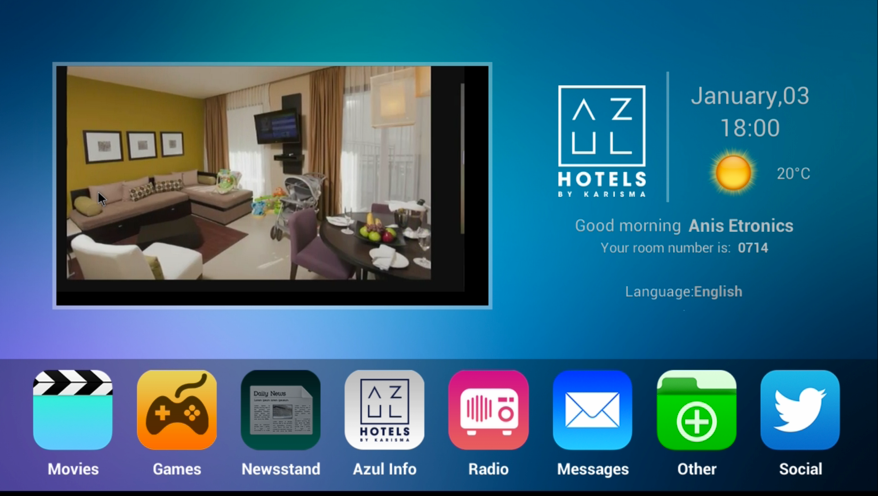
The TV becomes your best-selling waiter and concierge: restaurant menus with photos, spa bookings, late checkout, taxi requests and room service ordering — right on screen, in the guest's language, 24/7.
In the CMS you create menu items, spa slots and services with photos, prices and preparation times — per property, season or time of day.
A guest browses the room service menu on TV, customizes the order and confirms — no app download, no phone call, no language barrier.
Orders arrive in the staff dashboard (and optionally your POS/PMS), with room number, time and special requests. Status updates show on the guest's TV.
Visual menus and effortless ordering measurably lift room service and spa sales.
Menus in the guest's language mean fewer mistakes and happier guests.
The TV never puts a guest on hold.
Orders can post directly to the guest folio via the PMS integration.
Orders arrive in our staff dashboard out of the box; POS and PMS folio integrations are configured during onboarding.
Yes — tours, transfers and partner services can be listed with commission tracking.
Get a personalized walkthrough on your own TVs, with your branding.
Request a Demo